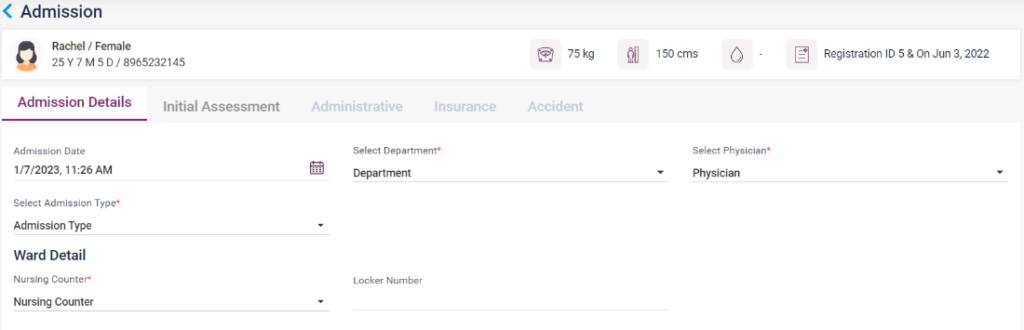
The user can admit the patient as an in-patient in the hospital using this option. The following procedure has to be done to admit the patient,
1. Admission Details-
- Admission Date: The current date will be automatically displayed.
- Department: Select the department in which the patient must be admitted.
- Physician: Select the Physician of the department the patient is consulting.
- Admission Type: Select the type of admission, whether it is emergency, planned, or unplanned.
- Nursing Counter: Select the nursing counter from the list.
- Locker Number: Enter the locker number if provided.
- Bed: Select the available bed number to which the patient has to be admitted. The user can view the available beds by clicking the “available” option. The rent, people allowed, and facilities will be shown in a box on the right side.
- Save: Upon clicking the “Save” button, and the entered details will be saved.
- Save and Continue: upon clicking this button, the details will get saved and then move to the “Initial Assessment” page.
- Cancel: On clicking the “Cancel” button, and it will go back to the previous page.
3.2.30. – Patient List- IP Admission
3.2.31. – Patient List—IP Admission

2. Initial assessment-
In this section, the user can enter the initial assessment given to the patient. Select the diagnosis from the drop-down list. Enter the “Admission Diagnosis”, “Wound Detail”, “Procedure Notes,” and “Referral Advice” if any, and then click on the “Save” button to save the entered details. Click on the “Cancel” button to go to the previous page.
3.2.32. IP Admission- Initial Assessment

3. Administrative-
The user must enter the patient’s details in this section.
- Attendee Details: Enter the attender’s name, phone number, and address.
- Official Details: Select the referral and enter the office notes. Click the MLC or Insurance patient checkbox accordingly.
- Discharge Details: If the patient is discharged, select the reason for discharge. If the patient has expired, enter the reason for death in the “LAMA Death/Cause” field.
- Save: Click on the save button to save the entered details.
- Cancel: Click the Cancel button to cancel the entered details and return to the previous page.
3.2.33. IP Admission- Administrative
4. Insurance-
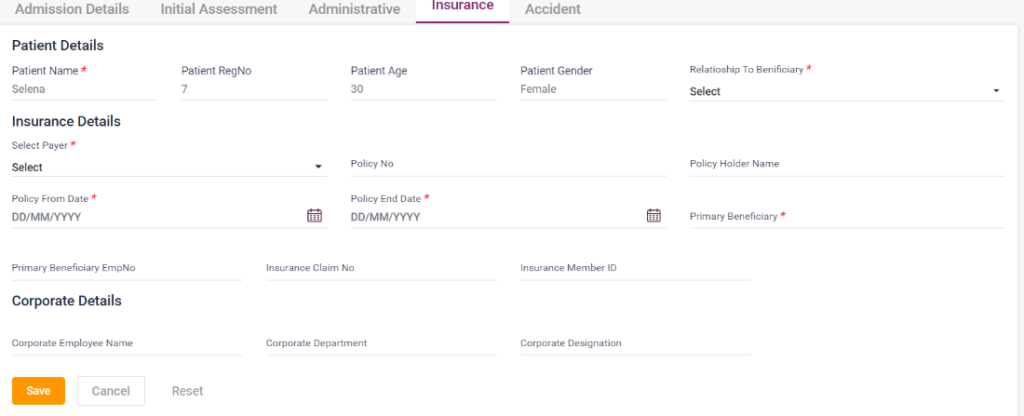
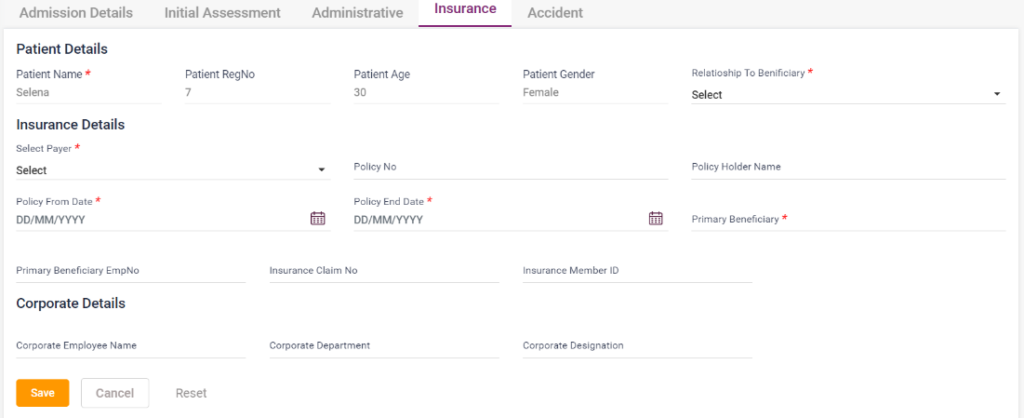
In this section, the user must enter the patient’s insurance details.
- Patient details: The patient details will be automatically loaded. The details include the Patient’s Name, RegNo, Age, and patient gender. Select the relationship to the beneficiary from the drop-down list.
- Insurance details: Select the Payer from the list, enter the policy no, policyholder name, policy from a date and to date, the primary beneficiary, primary beneficiary emp no, Insurance claim no, and insurance member ID. Fields with mandatory asterisk “*” must be filled compulsorily.
- Corporate details: The user must fill in the corporate employee’s name, department, and designation.
- Save: Click on the save button to save the entered details.
- Cancel: Click on the Cancel button to return to the previous page.
- Reset: Click on the Reset button to delete the entered details.
3.2.34. IP Admission- Insurance
5. Accident:
In this section, the user can fill the emergency details of the patient who has met with an accident. The following details have to be filled in,
- Accident details: Select the accident type and enter the accident history.
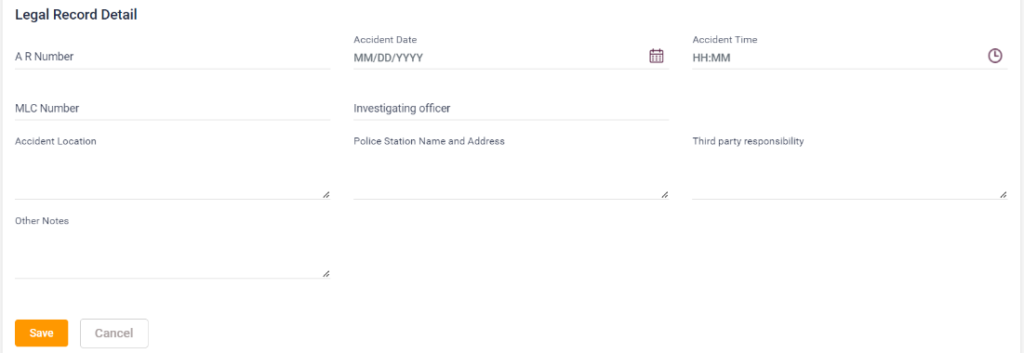
- Mode of Arrival and Detail: Enter the details of “Mode of arrival,” “brought by,” “Informant,” “First aid or treatment is given before arrival,” and “Clinical findings.”
- Legal Record detail: Enter the fields “A R Number”, “Accident Date”, “Accident Time”, ‘MLC Number”, “Investigating officer”, “Accident location”, “Police station name and address,” “Third-party Responsibility” and “Other Notes.”
- Save: Click on the save button to save the entered details.
- Cancel: Click the cancel button to delete the entered details and return to the previous page.
3.2.35. IP Admission- Accident (Accident details and mode of arrival)
3.2.36. IP Admission- Accident (Legal Record detail)